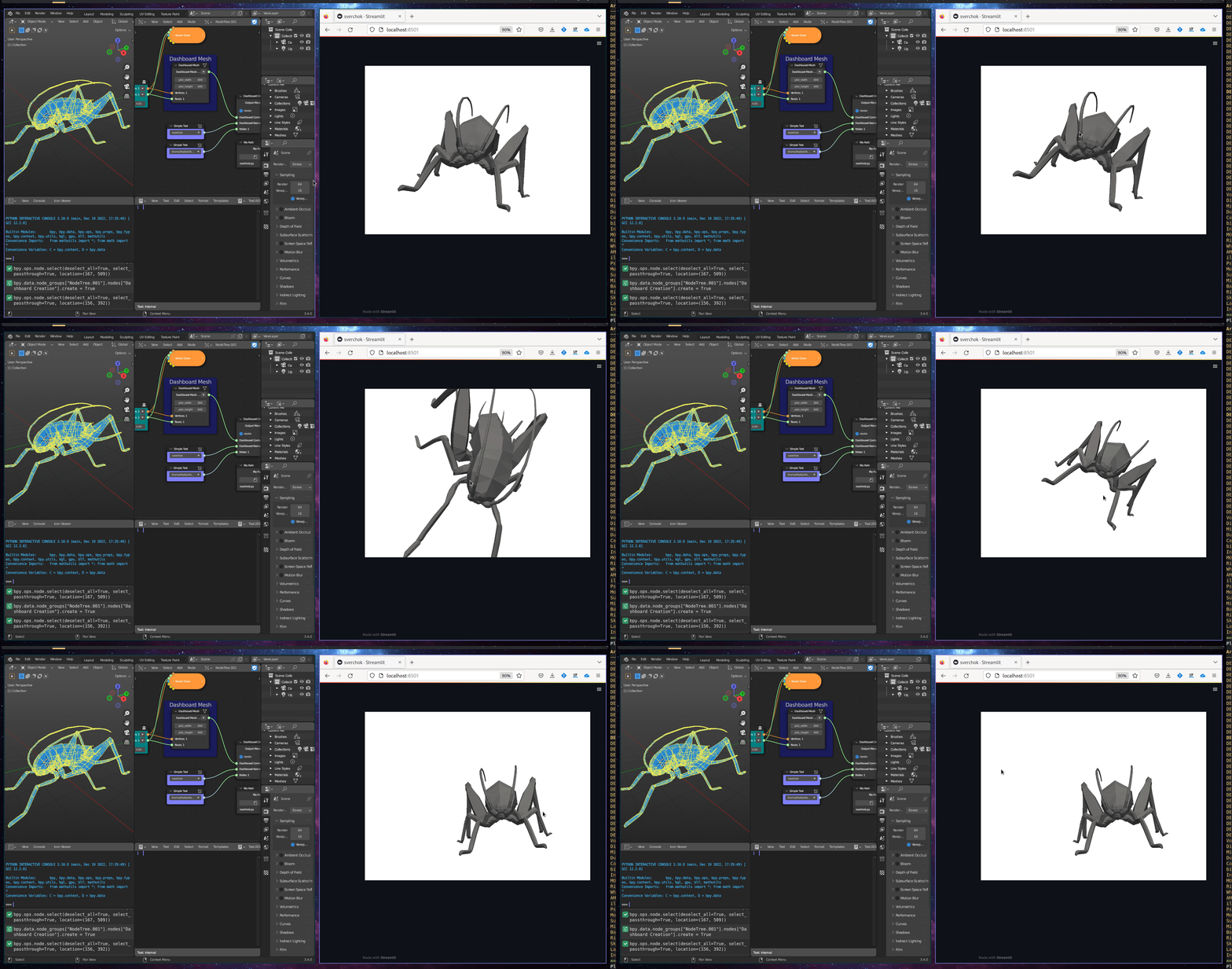
Dashboard Mesh
Category: Mega-Polis → Visualisation → Visualisation Design Tools
Node ID:SvMegapolisDashboardMesh
Tooltip: Dashboard Mesh
Dependencies: Generates a PyVista + Streamlit snippet (expectsnumpyasnp,pyvistaaspv, andpyvista_streamlitavailable in the execution context).
Functionality
Creates a PyVista Streamlit dashboard snippet for visualising mesh geometry.
Instead of directly rendering inside Sverchok, this node builds a Python code string that: - Receives Vertices and Faces - Converts them into pyvista.PolyData - Adds them to a pv.Plotter - Displays them using pyvista_streamlit(plotter, plot_width, plot_height)
The resulting code is output as a string so it can be executed in a Streamlit dashboard pipeline.
Inputs
| Socket | Type | Description |
|---|---|---|
| Vertices | SvVerticesSocket | Mesh vertices (typically a nested Sverchok vertex list). Required. |
| Faces | SvStringsSocket | Mesh face indices (nested face lists). Required. |
Parameters
| Name | Type | Default | Description |
|---|---|---|---|
| plot_width | Int | 800 | Width of the rendered dashboard view. |
| plot_height | Int | 600 | Height of the rendered dashboard view. |
Outputs
| Socket | Type | Description |
|---|---|---|
| Dashboard Mesh | SvStringsSocket | A Python code string that builds and displays the mesh using PyVista + Streamlit. |
Example
Visualise a mesh in Streamlit
- Generate geometry:
- Provide Vertices and Faces (e.g., from your mesh generation nodes).
- Set:
plot_width = 1000plot_height = 700
- Use the Dashboard Mesh output in your Streamlit runner to execute the produced code and render the interactive mesh.