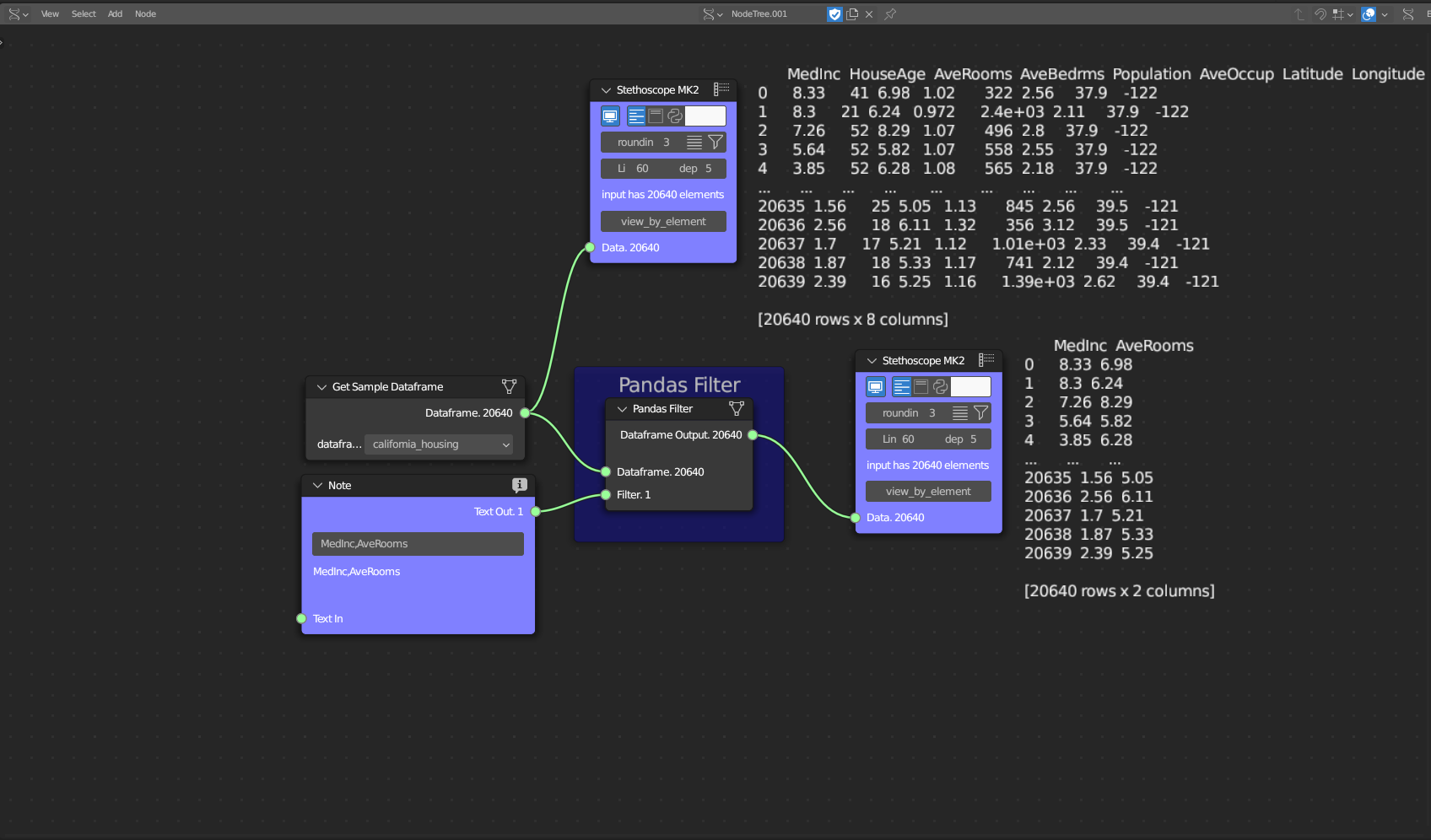
Pandas Filter
Category: Mega-Polis → Generation → Generation Data Tools
Node ID:SvMegapolisPandasFilter
Tooltip: Filter a Pandas DataFrame
Dependencies:pandas
Functionality
Filters rows of a Pandas DataFrame based on a column condition.
The node allows you to:
- Select a column (feature)
- Choose a comparison operator
- Provide a comparison value
- Output a filtered DataFrame
This is typically used to:
- Extract subsets (e.g., buildings taller than 20m)
- Filter categories (e.g., landuse == residential)
- Prepare data before analysis or visualisation
Inputs
| Socket | Type | Description |
|---|---|---|
| Dataframe | SvStringsSocket | Input Pandas DataFrame. Must be linked. |
| Column | SvStringsSocket | Column name used for filtering. Must be linked. |
| Value | SvStringsSocket | Comparison value. Must be linked. |
All three inputs must be connected for the node to execute.
Parameters
| Name | Type | Default | Description |
|---|---|---|---|
Operator (operator) |
Enum | == |
Comparison operator used in filtering. |
Available operators
==!=><>=<=
Outputs
| Socket | Type | Description |
|---|---|---|
| Dataframe Out | SvStringsSocket | Filtered Pandas DataFrame. |
Example
Filter buildings by height
Given a DataFrame:
| id | height | landuse |
|---|---|---|
| 0 | 12 | residential |
| 1 | 35 | commercial |
| 2 | 8 | residential |
- Connect:
- Dataframe → table above
- Column →
"height" - Value →
20
- Set Operator →
> - Output:
| id | height | landuse |
|---|---|---|
| 1 | 35 | commercial |
Filter by category
- Column →
"landuse" - Operator →
== - Value →
"residential"
Returns only residential records.
Notes
- Column name must exactly match a DataFrame column.
- Ensure numeric comparisons use numeric values (not strings).
- Filtering is performed using Pandas boolean indexing.
- Output follows Sverchok list-wrapped DataFrame conventions.