Dashboard Map
Category: Mega-Polis → Visualisation → Visualisation Design Tools
Node ID:SvMegapolisDashboardMap
Tooltip: Dashboard Map
Dependencies:plotly,geopandas,pandas
Functionality
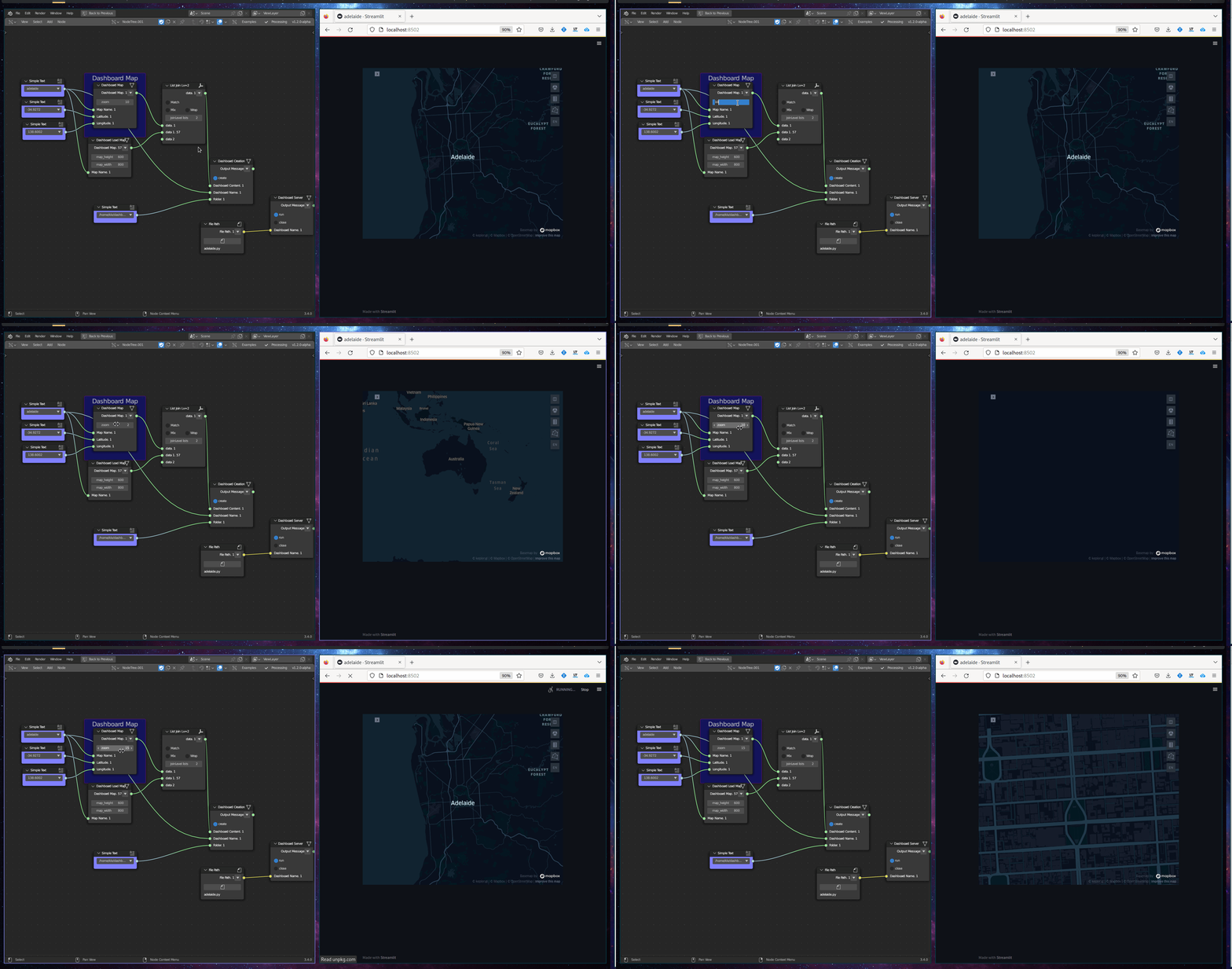
Creates an interactive map-based dashboard visualisation from spatial data.
The node generates a Plotly map (typically using GeoJSON / GeoDataFrame geometry) and allows attribute-driven colouring or thematic mapping.
It is designed for:
- Interactive spatial dashboards
- Choropleth maps
- Attribute-based visualisation
- Quick exploratory mapping inside Mega-Polis workflows
Inputs
| Socket | Type | Description |
|---|---|---|
| GeoDataFrame | SvStringsSocket | GeoPandas GeoDataFrame containing geometry and attributes. Must be linked. |
| Feature | SvStringsSocket | Column name used to drive map colouring or display values. Must be linked. |
Parameters
| Name | Type | Default | Description |
|---|---|---|---|
| Colormap | Enum | viridis |
Sequential colour scale used for mapping feature values. |
| Opacity | Float | 0.8 | Opacity level of map features. |
| Show Legend | Bool | True | Toggle legend visibility. |
Outputs
| Socket | Type | Description |
|---|---|---|
| Dashboard | SvStringsSocket | Plotly map figure object. |
Example
Create a choropleth map
- Load spatial data using:
- File to GDF
- Connect:
- GeoDataFrame → GeoDataFrame
- Feature →
"population_density"
- Select:
- Colormap →
plasma
- Colormap →
- Output:
- Interactive map visualisation
Urban analysis workflow
- Load street or parcel data.
- Compute a metric (e.g., centrality, area, height).
- Feed metric column into Feature.
- Visualise spatial patterns interactively.
Notes
- Geometry must be valid and compatible with Plotly (typically polygon or multipolygon).
- Large datasets may reduce interactive performance.
- CRS should be geographic (WGS84) for proper web-based mapping.
- Output is a Plotly figure object wrapped for Sverchok usage. ```