File to GeoJSON
Category: Mega-Polis → Generation → Generation Supporting Tools
Node ID:SvMegapolisFileToGeojson
Tooltip: Convert file to GeoJSON
Dependencies:geopandas,json
Functionality
Converts a supported geospatial file into a GeoJSON representation.
The node reads the input file using GeoPandas, then exports or converts the data into a GeoJSON structure that can be:
- Saved to disk
- Passed to web-based workflows
- Used in API calls
- Visualised in GeoJSON-compatible environments
It acts as a format conversion bridge between GIS formats and GeoJSON.
Inputs
| Socket | Type | Description |
|---|---|---|
| Path | SvFilePathSocket | Path to a supported GIS file (e.g., .shp, .gpkg, .geojson). Must be linked. |
Parameters
This node has no exposed UI parameters.
Outputs
| Socket | Type | Description |
|---|---|---|
| GeoJSON | SvStringsSocket | GeoJSON object or JSON-formatted string representation of the input file. |
Example
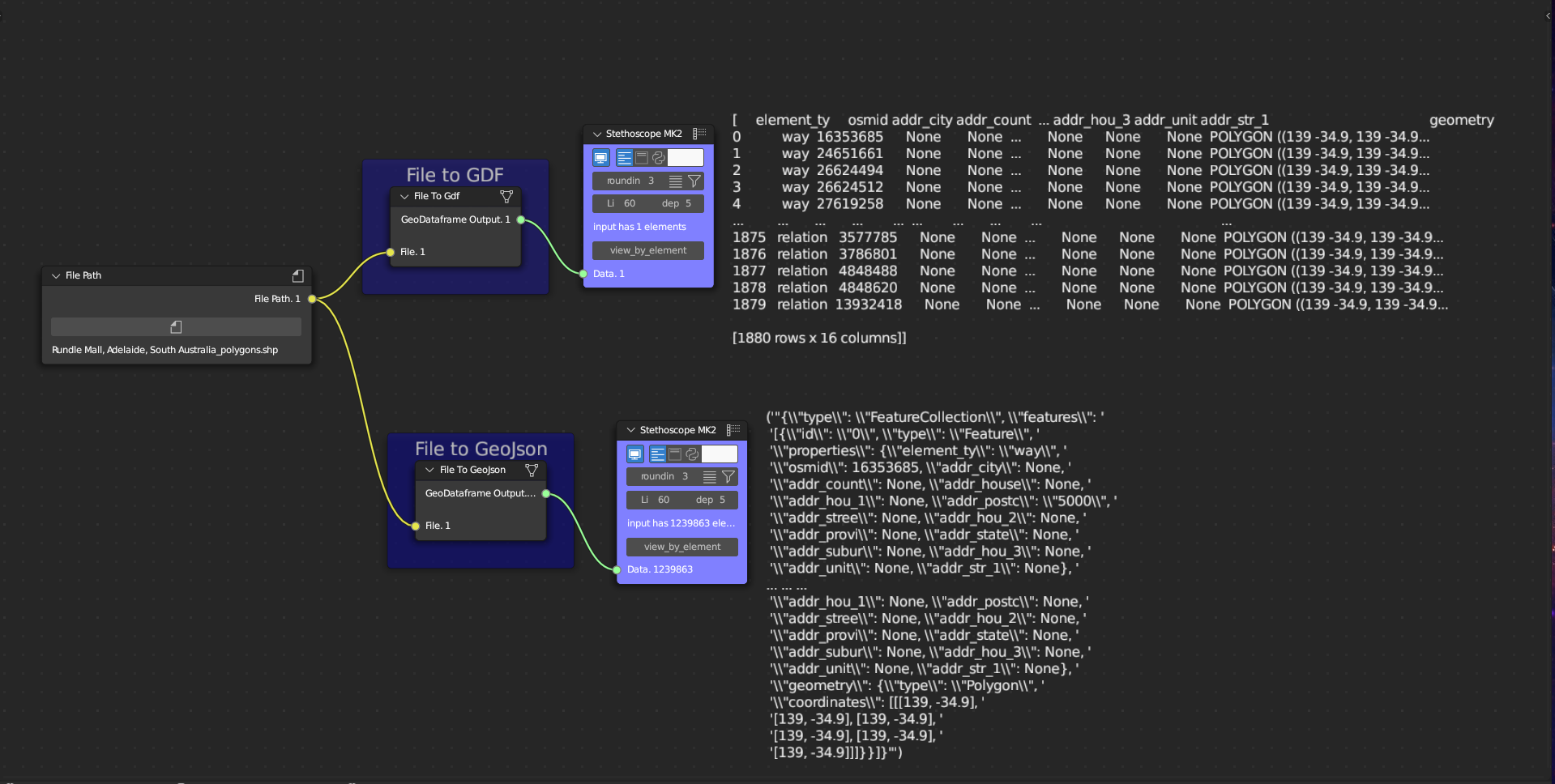
Convert Shapefile to GeoJSON
- Use Get File Path to select:
/data/parcels.shp
- Connect to File to GeoJSON → Path
- Output:
- GeoJSON structure representing the shapefile features
Typical uses
- Prepare data for:
- Web mapping libraries (Leaflet, Mapbox, etc.)
- API uploads
- JSON-based workflows
- Convert formats before using Request Data API
- Export simplified geometry for dashboards
Notes
- CRS is preserved in the GeoDataFrame but may not be embedded explicitly in the GeoJSON output.
- Large files may produce large JSON objects.
- Ensure the input file format is supported by GeoPandas.
- Output follows Sverchok list-wrapped object conventions. ```