Whitebox GIS Tools
Category: Mega-Polis → Analysis
Node ID:SvMegapolisWhiteboxGisTools
Tooltip: Opens a Whitebox Tool Window
Dependencies:multiprocessing,subprocess,psutil, and a local Whitebox runner scriptwb_runner.py
Functionality
Launches Whitebox Tools by running an external Python script:
<whitebox_folder>/wb_runner.py
When run is enabled, the node starts a new background process (multiprocessing.Process) which executes:
python <whitebox_folder>/wb_runner.py
It outputs a simple status message indicating whether it is waiting or opening Whitebox Tools.
Inputs
| Socket | Type | Description |
|---|---|---|
| Whitebox Folder | SvStringsSocket | Path to the folder that contains wb_runner.py. The node does nothing unless this socket is linked. |
Parameters
| Name | Type | Default | Description |
|---|---|---|---|
| run | Bool | False | When enabled, spawns a process to run python <whitebox_folder>/wb_runner.py. |
Outputs
| Socket | Type | Description |
|---|---|---|
| Output Message | SvStringsSocket | Status string: "Waiting to run..." or "Openning Whitebox Tools". |
Example
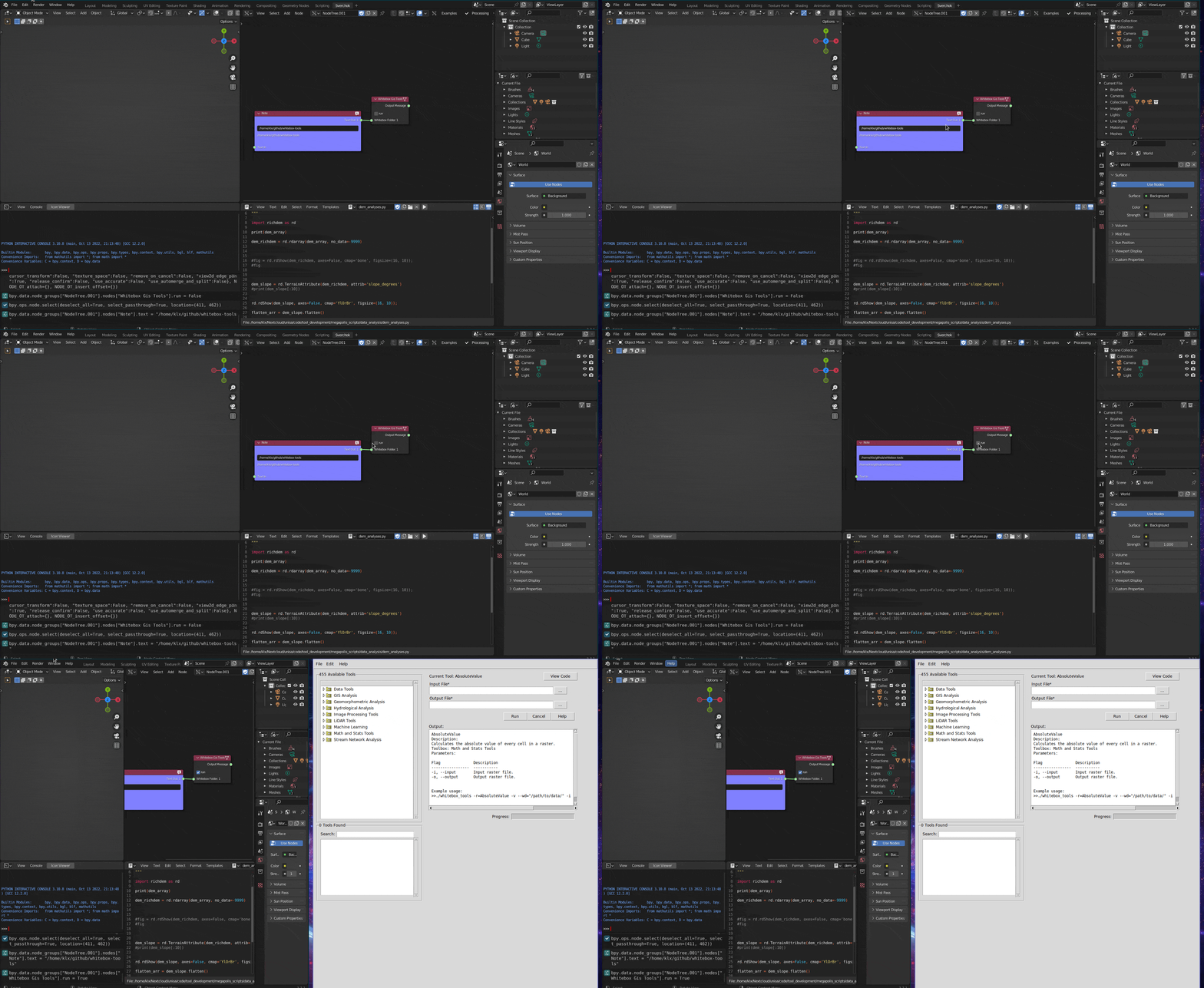
Launch Whitebox Tools
Prepare a folder containing a runnable script named
wb_runner.py(and any supporting files).Connect that folder path to Whitebox Folder (e.g.,
"/opt/whitebox").Enable run.
The node will spawn a process and attempt to execute:
python /opt/whitebox/wb_runner.pyRead Output Message for a basic status confirmation.
Notes / gotchas
- The node requires
Whitebox Folderto be linked; otherwise it returns immediately. - The node assumes
pythonis available on PATH and thatwb_runner.pyexists inside the provided folder. - The output message is a simple string (and the code spelling is
"Openning Whitebox Tools").